Virtual Environments — You're Gonna need em

Have a knack for thinking outside the box and always looking for the next big idea.
Virtual Environments are a crucial aspect of python, which allows you to isolate various instances of the language into their container to be used independently. This article will be referenced a lot so keep it handy.
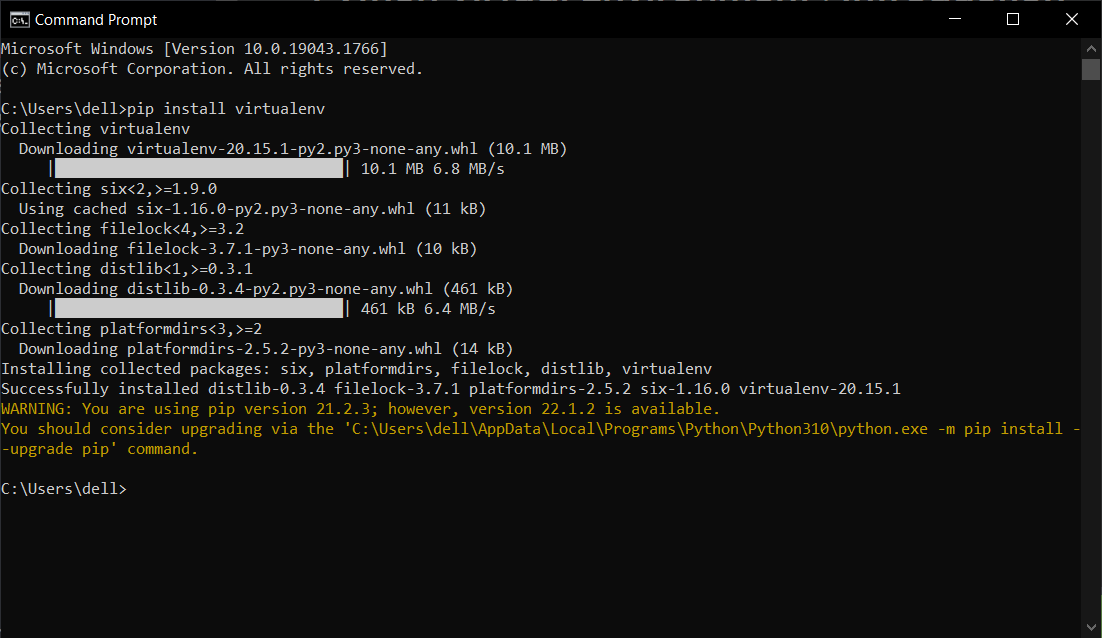
Installing virtualenv
pip install virtualenv
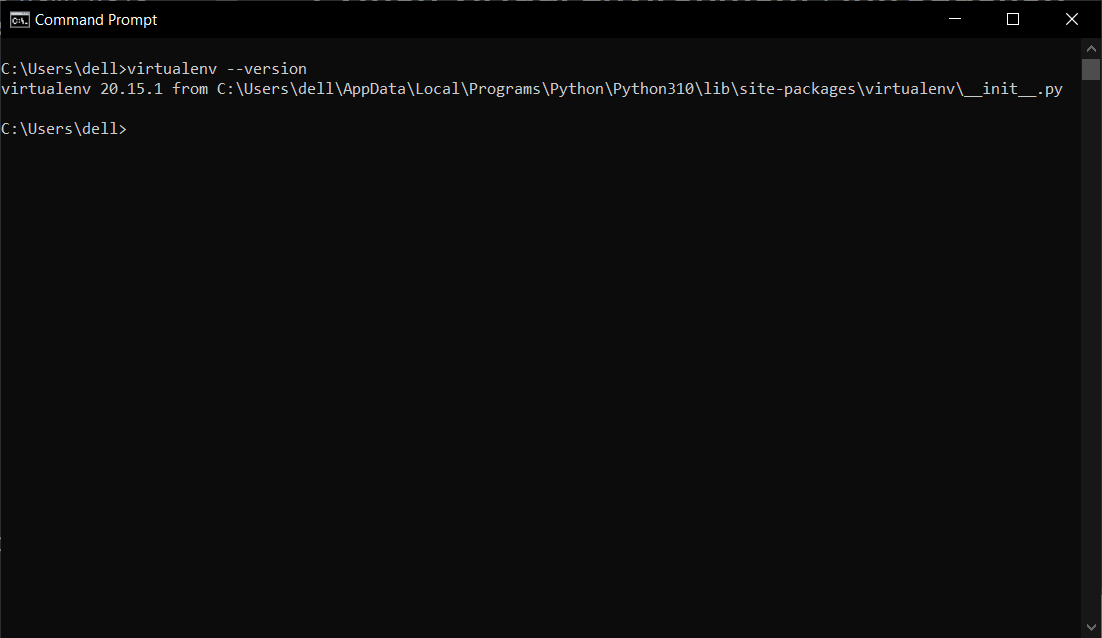
Test your installation:
virtualenv --version
 To create a virtualenv, we can use the following command.
virtualenv name_of_project
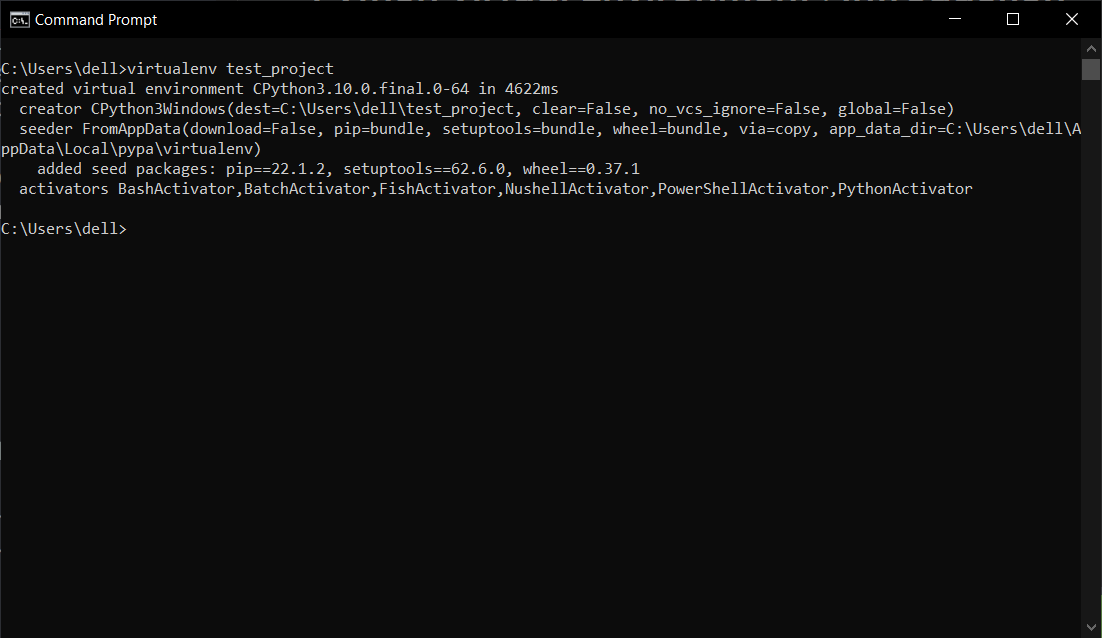
After running this command, a directory named name_of_project will be created. This directory contains all the necessary executables to use the packages that a Python project would need.
Now to activate the virtual environment, we can run the following command. Remember to re-activate the environment whenever you exit it to work on something else.
name_of_project\Scripts\activate
Once the virtual environment is activated, the name of your virtual environment will appear on the left side of the terminal. This will let you know that the virtual environment is currently active. Now you can install dependencies related to the project in this virtual environment. For example, if you use asyncio for a project, you can install it like other packages.
pip install asyncio
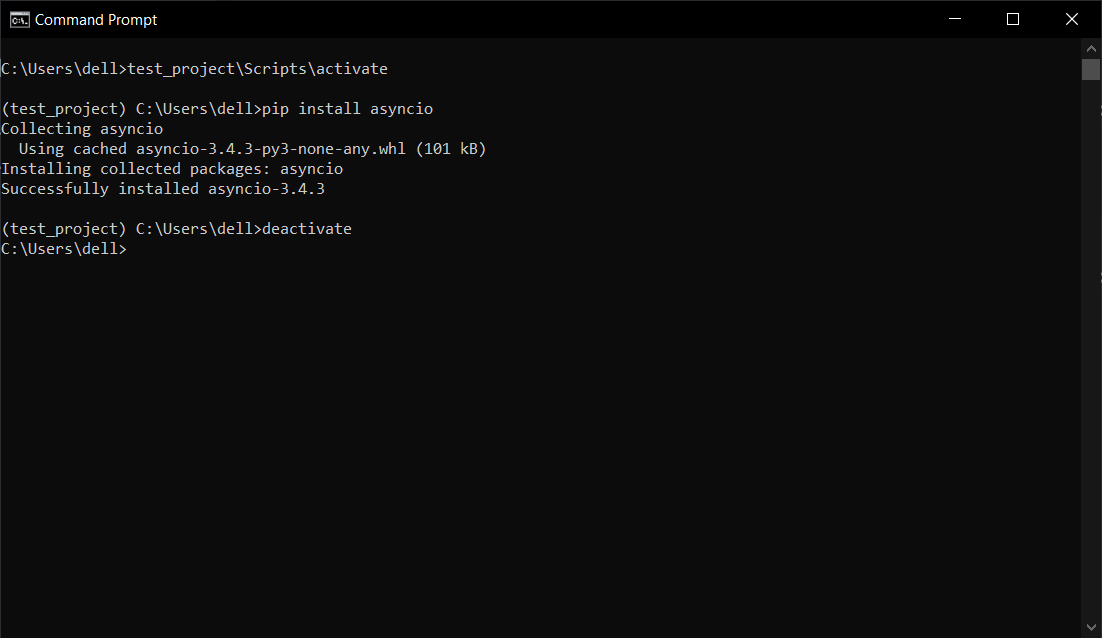 To Deactivate the virtual environment, we can run:
deactivate
which will switch to the default Python Installation that you have had been using