Learning to Use the Twitter API v2.0 [2022]
Does the Twitter bird go "Tweet" or "Chirp"
![Learning to Use the Twitter API v2.0 [2022]](https://cdn.hashnode.com/res/hashnode/image/unsplash/Jm1YUfYjpHI/upload/v1656931162358/iDkTlv4MR.jpeg)
Have a knack for thinking outside the box and always looking for the next big idea.
An Introduction
In this article, I will show you how you can get started quickly with the new Twitter API v2. It includes new features like:
Improvements to the response objects
Support for getting Twitter polls data in the API
Tweet annotations and Conversation Threads
Step #1: Creating a Developer Account on Twitter
You need a developer account to get started with the new Twitter API. If you do not have one, you can sign up for one here.
Step #2: Creating a Project and App
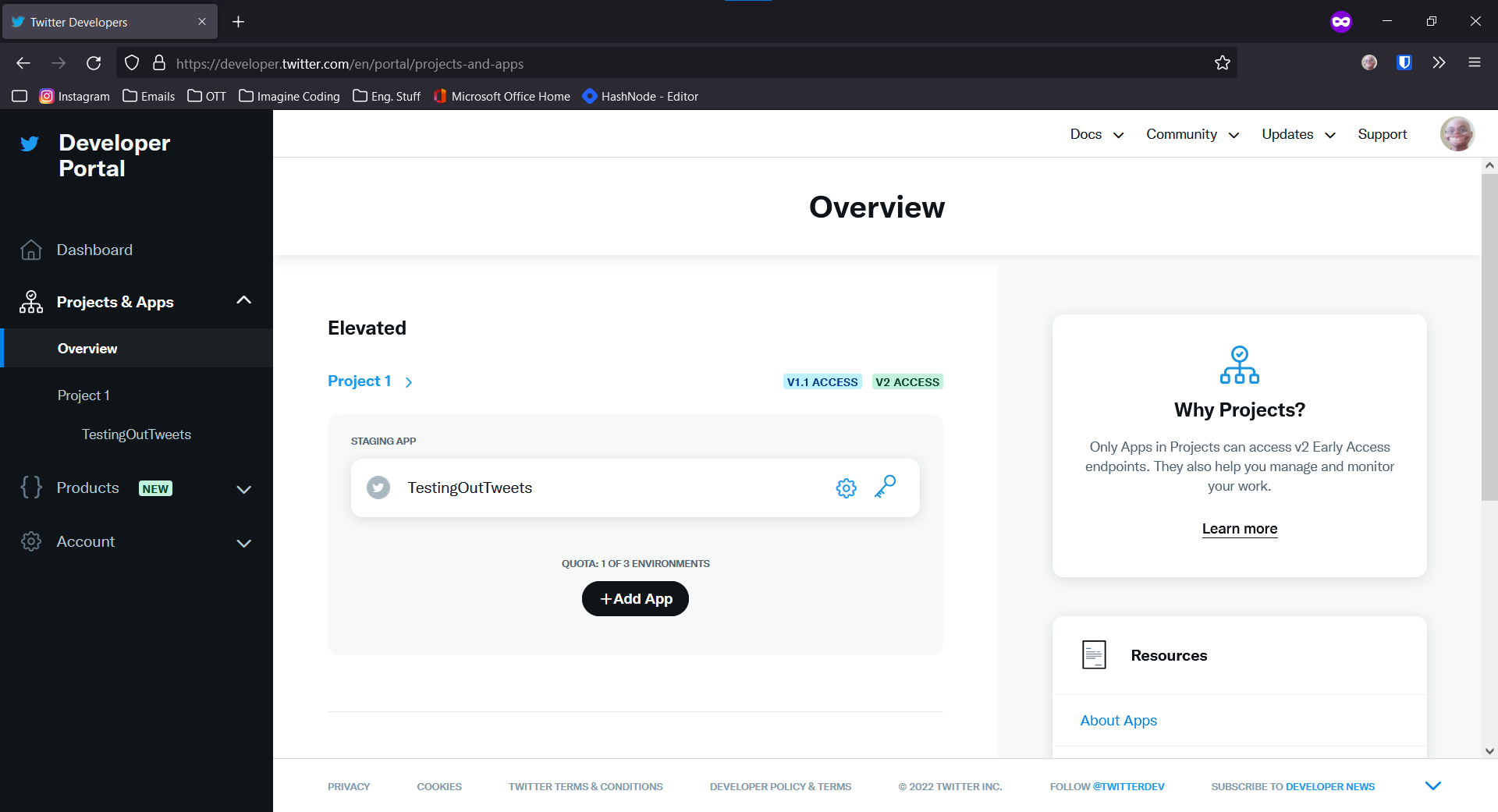
Next, go to your dashboard, and under Projects & Apps < Overview Click on "Add App".
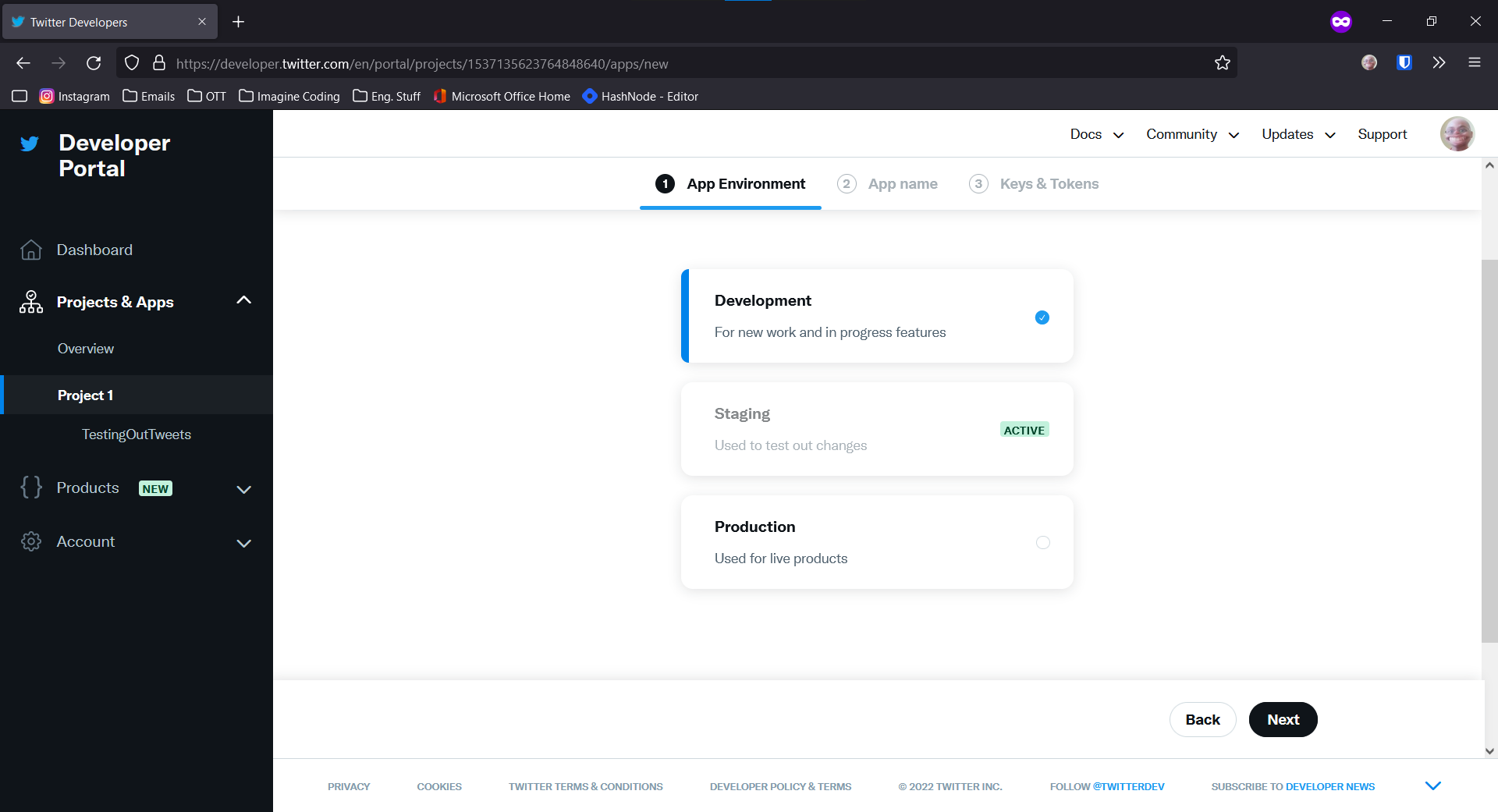
On the next page, click "Development" and Next. It doesn't matter what you do. You're allowed to create an App for each Option.
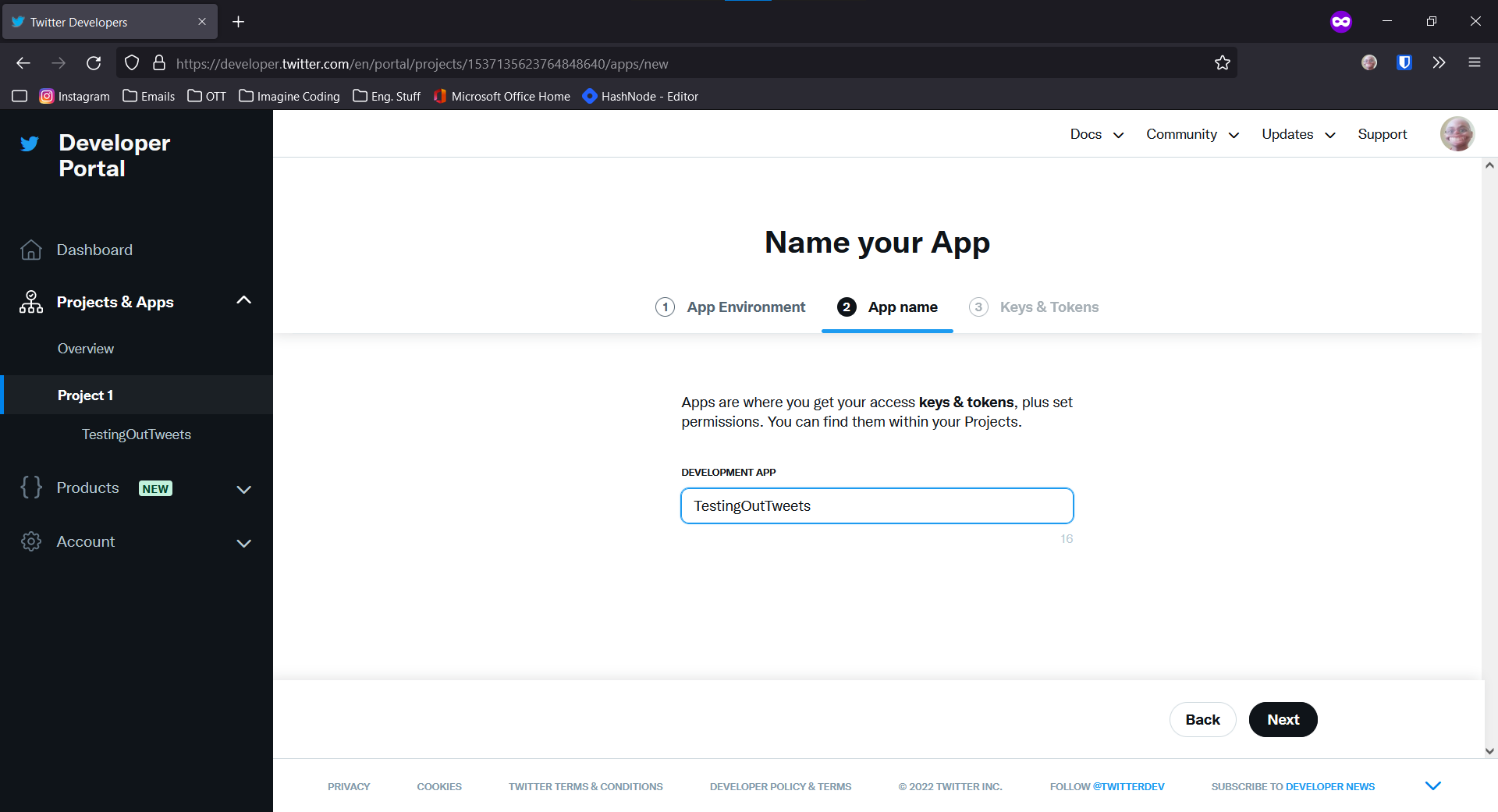
Select an App name on the next screen and Click Next.
On the Next Page, Copy all the credentials into a text file for use in the future.
You'll have to apply for Elevated Access here
Next, on your Project Page, scroll down and click on "Edit" under "User Authentication Settings." Toggle the "OAuth 2.0" setting; Type of App as "Automated App or Bot" Click on save
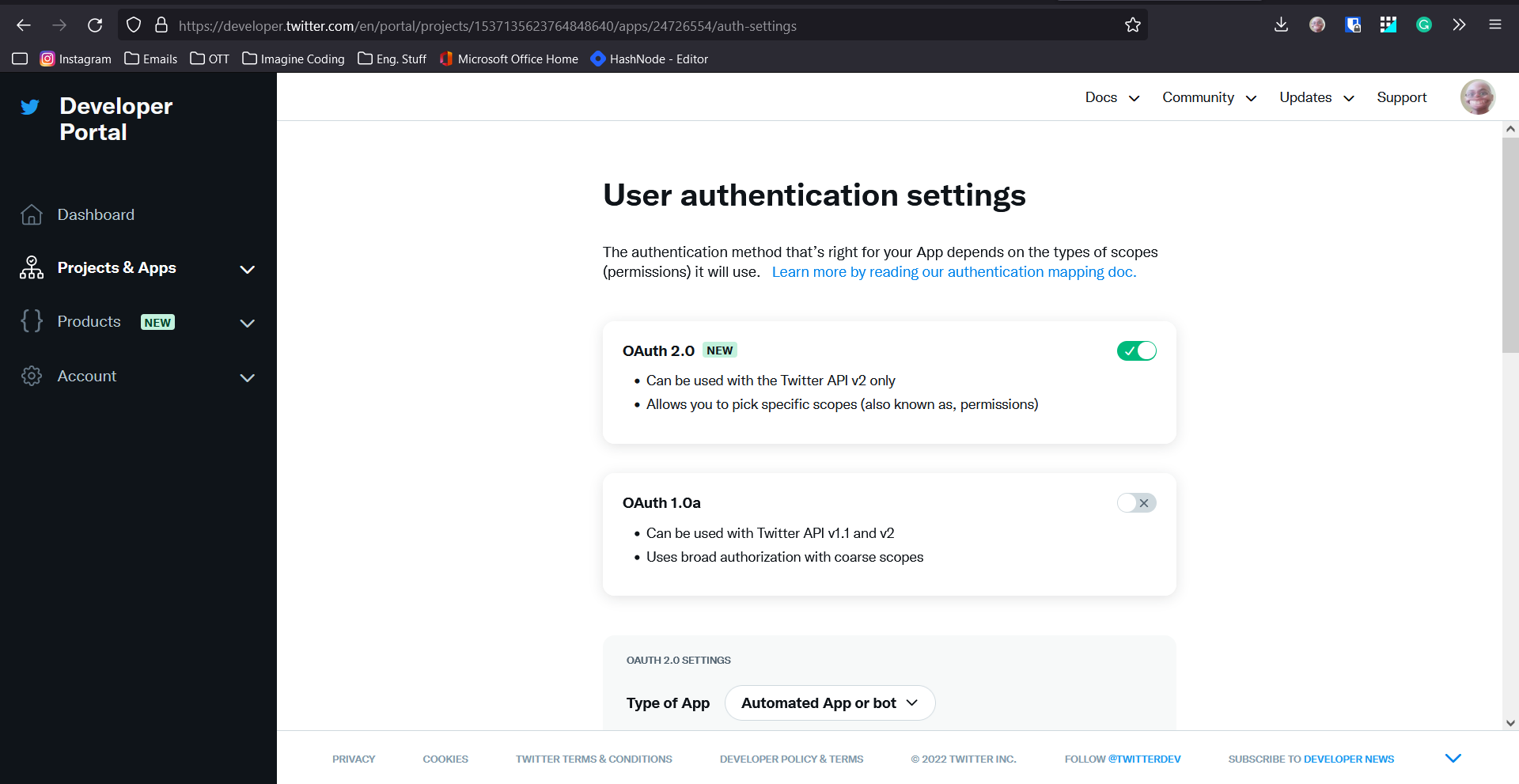
And you're done with setting up your Developer Account for Twitter!
Now the next thing to do is to ask for data from Twitter. We're going to be doing the next part in Python, but you can do this in basically any modern language.
Step 3: Create a Virtual Environment in Python
Follow the steps given in this article, and then continue with this tutorial
Step 4: Time To Code
Before we start coding, let's load some dependencies into our project. We will be using tweepy as a wrapper between Twitter and our code. Wrappers are just another layer between two pieces of code that will help them communicate with each other. Feel free to use your IDE, and I prefer PyCharm.
pip install tweepy==4.10.0
import tweepy
from dotenv import load_dotenv  # pip install python-dotenv
from os import getenv

load_dotenv()

client = tweepy.Client(consumer_key=getenv('CONSUMER_KEY'),
                       consumer_secret=getenv('CONSUMER_SECRET'),
                       access_token=getenv("ACCESS_TOKEN"),
                       access_token_secret=getenv("ACCESS_SECRET"))
Make sure you keep your credentials in a .env file in the following format and place it in the same directory as your code:
CONSUMER_KEY=twitter consumer key here
CONSUMER_SECRET=twitter consumer secret here
ACCESS_TOKEN=twitter access token here
ACCESS_SECRET=twitter access secret here
Lets try printing out tweets from your timeline:
home_tweet = client.get_home_tweet()
for tweet in home_tweet.data:
    print(str(tweet).encode('utf-8'))
Gives the Output: (Forgive my Twitter Feed)
b'Pentagon finds concerning vulnerabilities on blockchain (18835)\nVia:https://t.co/dHK6HMbGpm'
...
b'NEW VIDEO - A first look and hands-on with the Nothing Phone, which looks\xe2\x80\xa6 pretty neat, actually\n\nhttps://t.co/Rbo9Fxvqk6 https://t.co/FcUB3jTEYK'
which returned 88 Tweets
Likewise, we can also tweet from the API
tweet = client.create_tweet(text="Hello World, I am using Tweepy")
#tweet is a dictionary with tweet id and metadata
For a full range of API calls, you can check the documentation here
A side bonus of Tweeting using the API is that your tweets get a custom Source Message Like this tweet here:
And don't forget to comment if you have any questions! See you next time on API-city.